
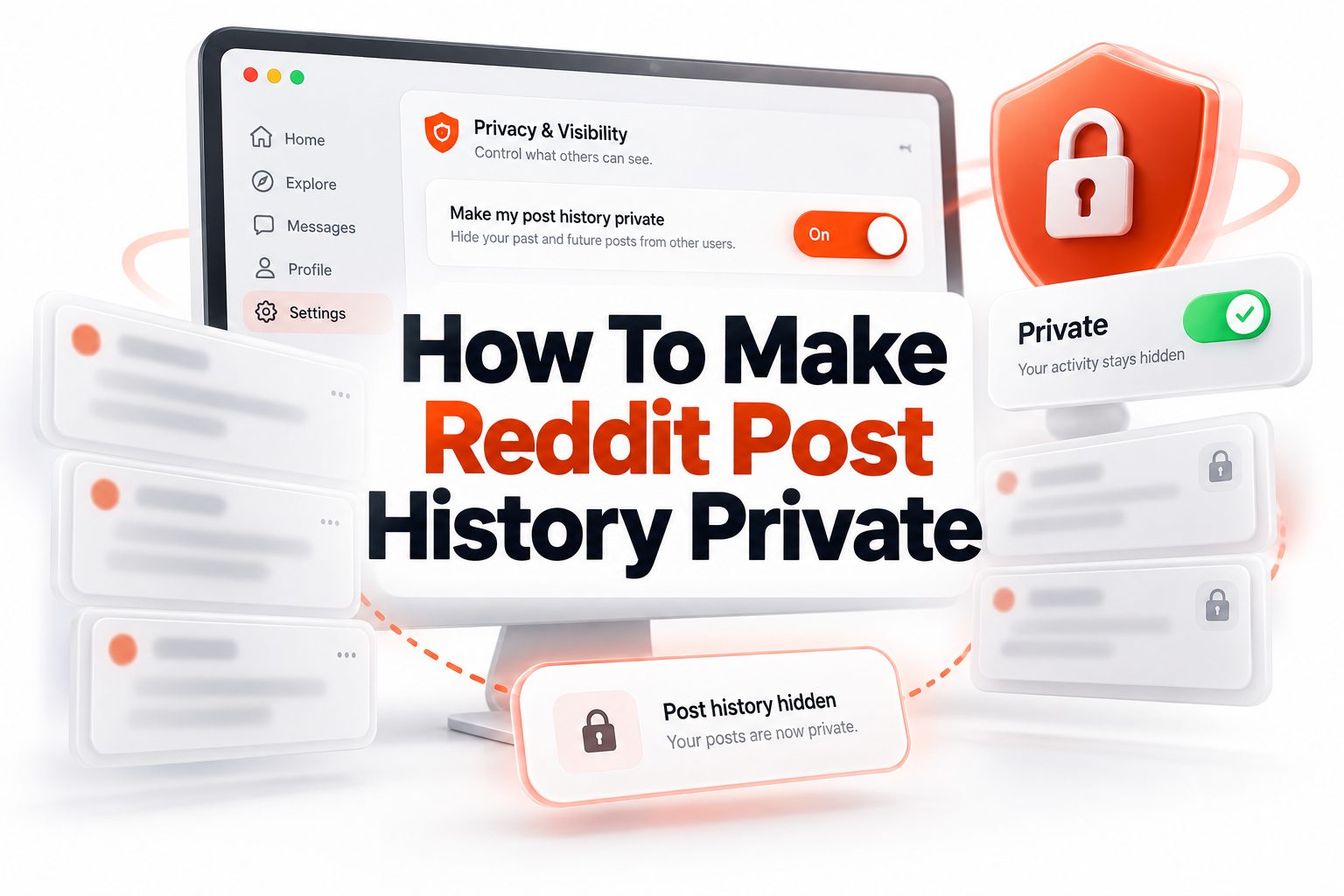
Making your Reddit activity less visible used to be awkward. For years, people searching for how to make reddit post history private often found the same frustrating answer: you could not fully hide your public posting history unless you deleted content or used a different account. That changed when Reddit added profile curation settings, giving users more control over what appears on their public profile.
Still, “private” on Reddit has a very specific meaning. Hiding posts from your profile does not erase them from communities, search results, moderator tools, or places where people already saw them. It simply changes what casual visitors can see when they click your username. If you want better privacy, you need to know what Reddit’s settings can do, what they cannot do, and which habits help protect your identity over time.
What Reddit Post History Privacy Really Means
Reddit post history includes the posts and comments tied to your username. When someone visits your profile, they may see your Overview, Posts, Comments, active communities, karma, account age, and other public details depending on your settings.
Making Reddit post history private usually means reducing what appears on your profile. It does not mean turning your entire account invisible. Public contributions may still remain available inside the subreddit where they were posted, especially if the community itself is public.
Why People Want to Hide Reddit Post History
Many Reddit users post across unrelated communities. Someone might ask a personal health question, comment in a local subreddit, discuss work frustrations, and share hobbies from the same username. Over time, those small details can form a surprisingly clear picture.
Others want privacy because Reddit profiles are easy to browse. A stranger can click your username after a single comment and scan your activity. For job seekers, professionals, creators, students, or anyone using Reddit for sensitive topics, that visibility can feel too open.
Quick Privacy Checklist
Before changing settings, review these basics:
- Hide all public posts and comments from your profile if you want the broadest profile privacy.
- Selectively show only harmless communities if you still want some activity visible.
- Delete old posts or comments that reveal personal information.
- Avoid using the same username across Reddit and other platforms.
- Keep location, employer, school, and relationship details out of public comments.
- Remember that moderators may still get temporary access after certain interactions.
- Review your Reddit profile from another browser or logged-out window.
How to Make Reddit Post History Private Using Profile
Reddit’s profile curation feature is the main setting for controlling what appears on your profile. On desktop, go to your profile settings and look for the “Curate your profile” area. From there, the Content and activity setting lets you decide what profile visitors can see.
You can usually choose to show all content, hide all public posts and comments, or display activity from selected communities only. For most privacy-focused users, hiding all public posts and comments is the simplest option because it removes the profile-browsing trail.
Using Reddit Mobile Privacy Settings
On the Reddit mobile app, tap your avatar to open your profile. Then use the menu near the top right and look for Profile curation. The same Content and activity controls should appear there, allowing you to adjust visible activity.
Mobile settings are useful if you mainly use Reddit from your phone, but take a moment after saving changes to check your profile. App interfaces change over time, so confirm that posts, comments, and active communities appear the way you intended.
What These Privacy Settings Do Not Hide
Profile curation changes what appears on your profile, not everywhere on Reddit. If you commented in a public subreddit, that comment may still be visible in the original discussion. People can also see your contribution if they find the thread directly.
Reddit also notes that public posts and comments may appear in search results on or off the platform. So if your goal is removing sensitive content from public view entirely, hiding it from your profile is only one step.
Reddit Profile Privacy Options Compared
Privacy action | What it does | What it does not do
Hide all profile content | Removes public posts and comments from your profile view | Does not remove them from original communities
Show selected communities | Lets you curate a cleaner public profile | Still exposes activity from chosen communities
Delete posts or comments | Removes selected content from your account history | May not remove screenshots or archived copies
Delete account | Removes username and profile | Existing content may remain if not deleted first
Use separate accounts | Keeps topics separated | Requires careful account discipline
How Moderators Can Still See Your History
Reddit allows moderators temporary access to your full public post and comment history in certain situations. This may happen when you post, comment, edit a contribution, send modmail, request approved user status, or ask to join a private community.
That access can last for 28 days and may reset if you interact again. This matters because profile curation is not a shield from moderation. If you participate in a community, that community’s mod team may see more than a regular profile visitor.
Why Search Engines May Still Show Reddit Activity
Search engines can index public Reddit pages. If your comment or post was visible before you changed settings, snippets or URLs may remain searchable for some time. Hiding profile content does not instantly remove search engine records.
If a search result exposes sensitive information, delete or edit the Reddit content first where possible. Then use the search engine’s removal tools if the outdated result still appears. This process can take time and is not fully controlled by Reddit.
Important Facts About Reddit Privacy
- Your email address is not shown publicly on your profile.
- Your private messages and chats are not visible to regular users.
- Your saved posts and hidden posts are private to you.
- Your upvote and downvote history is not publicly listed.
- Your public posts and comments may still be visible in their original threads.
- Deleting your account does not automatically delete every past post or comment.
- Profile visibility settings apply across Reddit platforms, including older interfaces.
Should You Hide All Reddit Posts and Comments
Hiding all public posts and comments is best if you want the least visible profile. It stops casual profile visitors from scrolling through your activity and connecting different parts of your Reddit life. This is the closest built-in answer to how to make reddit post history private.
However, it can make your profile look empty or less trustworthy in some communities. Some users prefer showing activity from neutral subreddits, such as hobby, learning, or professional communities, while hiding personal or sensitive communities from profile view.
When Selective Profile Visibility Makes Sense
Selective visibility works well if you use Reddit for both public identity and private participation. For example, a freelance designer might show posts from design communities but hide comments from relationship, finance, or location-based subreddits.
This approach gives your profile context without exposing everything. It is especially useful for creators, moderators, sellers, researchers, and professionals who want some credibility attached to their Reddit account while keeping personal conversations less browseable.
Practical Tips for Safer Reddit Activity
- Use one account for public-facing activity and another for personal topics.
- Avoid mentioning your city, workplace, school, and schedule together.
- Edit or delete old comments that include identifying details.
- Think before posting in small local subreddits.
- Do not reuse usernames from Instagram, TikTok, X, gaming platforms, or personal websites.
- Review your profile every few months.
- Use Reddit privacy settings alongside better posting habits.
How to Clean Up Old Reddit Posts
Start by reviewing your own profile before changing visibility. Look for posts and comments that reveal names, locations, health details, workplace stories, financial information, or anything you would not want connected to your username later.
If the content is sensitive, delete it rather than only hiding it from your profile. You can also edit a comment before deleting it, but remember that edits may not erase copies already captured by third-party tools, screenshots, or notifications.
Using Separate Reddit Accounts for Better Privacy
Separate accounts are one of the most reliable privacy habits on Reddit. You might keep one account for hobbies and public discussions, another for sensitive advice, and another for professional or brand-related participation.
The key is separation. Do not reuse the same writing patterns, biographical details, or community combinations across accounts if anonymity matters. Reddit itself may know the accounts are yours, but regular users will have less public information to connect.
What to Avoid When Protecting Reddit Privacy
Avoid posting unique stories that only a few people could recognize. Even without your name, details about a workplace conflict, family issue, neighborhood event, or legal problem can identify you to someone familiar with the situation.
Also avoid treating Reddit as temporary. A casual comment may be visible for years, quoted by others, indexed by search engines, or remembered by community members. The safest privacy strategy is to post as if your words may be found later.
Smart Privacy Habits for Reddit Users
Protecting Reddit privacy is easier when you make it
- Check profile curation after major Reddit app updates.
- Search your username in a private browser window.
- Remove old comments that no longer need to be public.
- Keep sensitive posts vague without losing essential context.
- Use throwaway accounts for one-time personal questions.
- Avoid linking Reddit to public social media profiles.
- Treat local subreddits as higher-risk spaces.
Can You Make a Reddit Account Completely Private
Reddit does not work like a private Instagram account. You cannot make a standard Reddit profile fully private in a way that hides all account existence and all public contributions from everyone. Public Reddit participation is still public by design.
What you can do is curate your profile, delete content, avoid identifiable details, and separate accounts by topic. These steps make it much harder for ordinary users to browse your history and build a profile around your identity.
How Deleted Reddit Content Works
Deleting a post or comment removes it from your profile and the public thread in Reddit’s normal interface. However, replies may remain, and people who saw the content before deletion may remember it or have copied it elsewhere.
If you delete your Reddit account without deleting posts and comments first, some content may remain without your username attached. For privacy cleanup, handle important posts and comments before account deletion so you have more control.
Reddit Privacy Myths That Cause Confusion
Some users think hiding a post from their own feed hides it from everyone. That is not true. “Hide” often means you stop seeing it, not that Reddit removes it from public view or other users’ access.
Another common myth is that deleting an account erases everything automatically. In practice, account deletion and content deletion are different. If privacy is your priority, review your history carefully before taking final account actions.
Common Reddit Privacy Mistakes
- Assuming profile curation deletes posts from subreddits.
- Forgetting that local subreddit comments can identify you.
- Using a real name or reused username.
- Posting the same personal story across multiple accounts.
- Leaving old comments with employer or school details.
- Sending modmail without realizing moderators may get temporary history access.
- Deleting an account before deleting sensitive content.
How to Check What Other People Can See
After changing your Reddit settings, open your profile in a logged-out browser or private window. This gives you a closer look at what an ordinary visitor may see. Check the Overview, Posts, Comments, and active communities sections.
You can also ask a trusted friend to view your profile from their account. This is helpful because moderator access, logged-in views, and your own account view may differ. Always verify privacy changes instead of assuming they worked.
When Deleting Content Is Better Than Hiding It
If a post includes your location, real name, workplace, contact details, face, legal issue, or medical information, deletion is usually better than profile hiding. Hiding reduces casual browsing, while deletion removes the content from Reddit’s visible thread interface.
For harmless opinions, jokes, or hobby comments, profile curation may be enough. The difference comes down to risk. Content that could identify, embarrass, or harm you should be treated more seriously than ordinary public discussion.
Useful Internal Resources
For broader privacy cleanup, read our [Internal Link: Online Privacy Checklist] before reviewing old accounts. It can help you spot details that connect your Reddit profile to other parts of your online identity.
You may also find [Internal Link: Social Media Privacy Settings] helpful if you use the same username across platforms. Reddit privacy works best when your wider digital footprint does not reveal the same personal clues.
Best Approach for Long-Term Reddit Privacy
The best long-term strategy is a mix of settings and behavior. Turn on profile curation, hide sensitive communities, delete risky old content, and avoid giving away identifying details in future posts. No single setting can do all of that alone.
Think of your Reddit account as a public notebook with privacy controls on the cover. You can make browsing harder, but anything written in a public community may still be found in that community. Post with that reality in mind.
Conclusion
Reddit now gives users more control over profile visibility, which is good news for anyone who wants a less exposed account. You can hide all public posts and comments from your profile, show only selected communities, hide NSFW activity from your profile, and reduce how much casual visitors can learn by clicking your username.
Still, profile privacy has limits. Your posts and comments may remain visible in the original subreddit, appear in search results, or become temporarily visible to moderators after you interact with their community. For sensitive information, deletion and better posting habits matter just as much as settings.
The most practical answer to how to make reddit post history private is to use Reddit’s Content and activity settings, clean up old content, separate accounts by topic, and stop posting details that connect your username to your real life.
FAQ
Can people still see my Reddit posts after I hide them
Yes, they may still see posts and comments in the original communities where you made them. Profile curation mainly controls what appears on your profile, not whether public subreddit content exists elsewhere.
Does deleting my Reddit account remove my comments
Not always. Reddit account deletion removes your username and profile, but posts and comments may remain if you did not delete them first. Delete sensitive content before deleting the account.
Can moderators see my hidden Reddit history
In some cases, yes. If you interact with a community by posting, commenting, editing, sending modmail, or requesting access, moderators may temporarily see your full public post and comment history.
Are Reddit saved posts public
No. Saved posts, hidden posts, private messages, chats, email address, and voting history are not shown publicly on your Reddit profile. Your public posts and comments are the main privacy concern.
Is using a throwaway Reddit account safer
A throwaway account can be safer for sensitive topics if you avoid identifying details. Do not connect it to your main username, location, writing habits, or personal information that could reveal who you are.
0 Comments